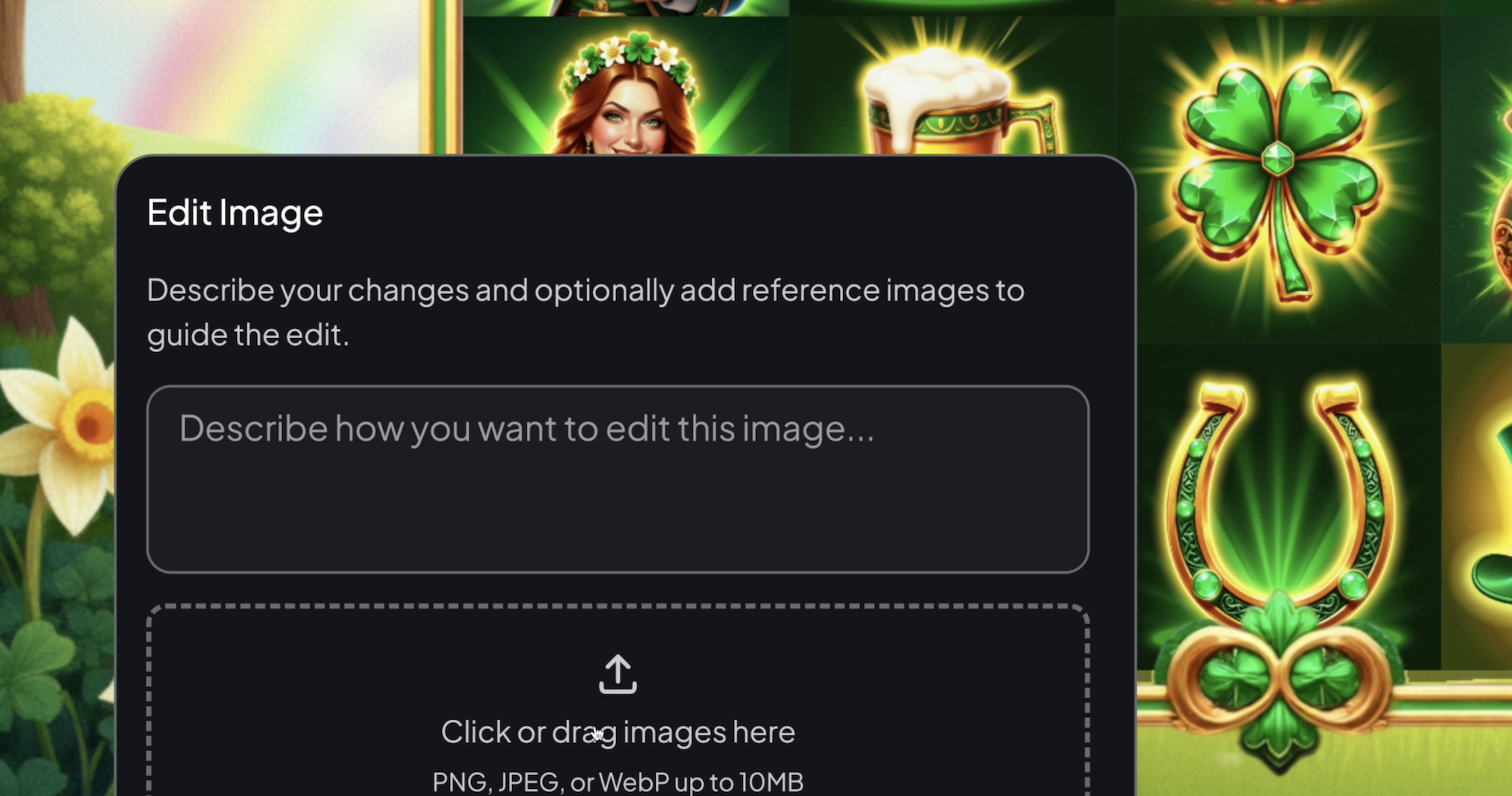
Introducing our coolest feature yet, a live Editable Game Canvas! Modify characters, slots symbols, colors and more, right inside a playable version of your game! Our users have always found it cumbersome to design game assets in isolation, rather than in the context of the broader game. They would edit an image in a drawing tool, then paste it on a static storyboard, and hope that it still looks as effective when exported into the actual game. Repeat. This is going to change now. AI models have reached a tipping point, where all of these things can be done in one place. Our early access users already love that they can "see in -real-time what their artwork looks like during game play"
In this video, we show how you can go to the 'Preview' section of the Slots Studio applicaiton, press spin to see how the symbols look together, and then double click on any of the symbols or images that you want to edit. The really cool part is that after you edit an image, it gets updated everywhere in the game! You can now hit 'spin' again and get a sense for how the updated image looks. Happy with it? Awesome! Still want to make changes? Go right ahead, because now you can really hone in on your creative vision in the context of your broader game!