If you've worked on a 2D game with dialogue, you already know how tedious this gets. Your artist designs a great character portrait, then spends hours redrawing the same face with different emotions: happy, sad, angry, surprised, smirking, crying, shouting. Each expression has to look like the same character with the same armor, pose, and proportions. Only the face changes.
It's repetitive, and time-consuming. A senior character artist might spend 4-6 hours producing a full expression sheet from a single base portrait. Multiply that across a cast of 10+ characters and you're looking at a full week of artist-hours just on variation work.
What if an AI agent could handle all of that for you, autonomously, from a single message?
Here's the exact prompt we gave Woofy:
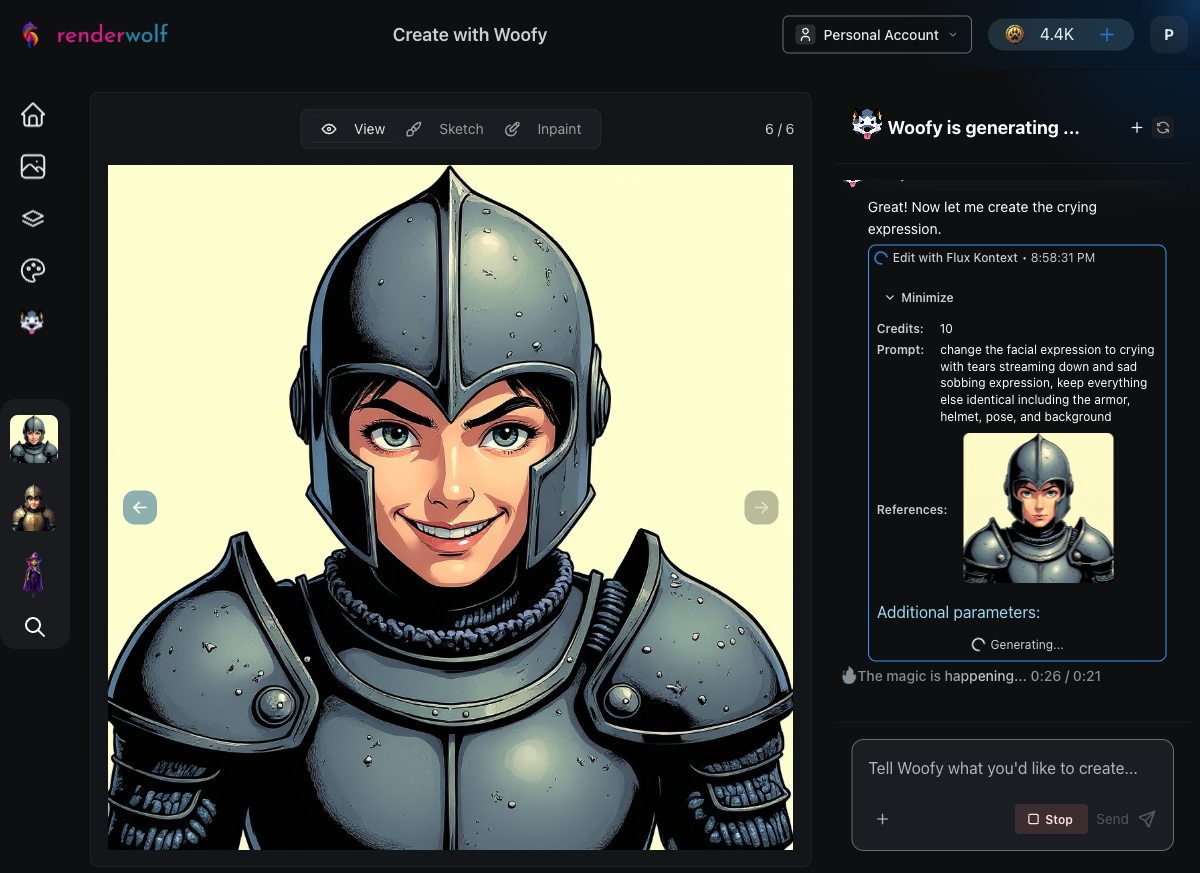
"Create a front-facing portrait of a young fantasy knight character with a neutral expression using Comic Strip style. Then, change the expression to happy while keeping everything else identical. Do the same for each of these expressions: angry, surprised, sad, smirking, crying, and shouting. Remove the backgrounds on all eight expression portraits, then arrange them into a single expression sheet."
Notice what's not in that prompt: no elaborate descriptions of the images, no technical instructions, no step-by-step pipeline. We told Woofy what we wanted, not how to do it. She figured out the tools on her own.
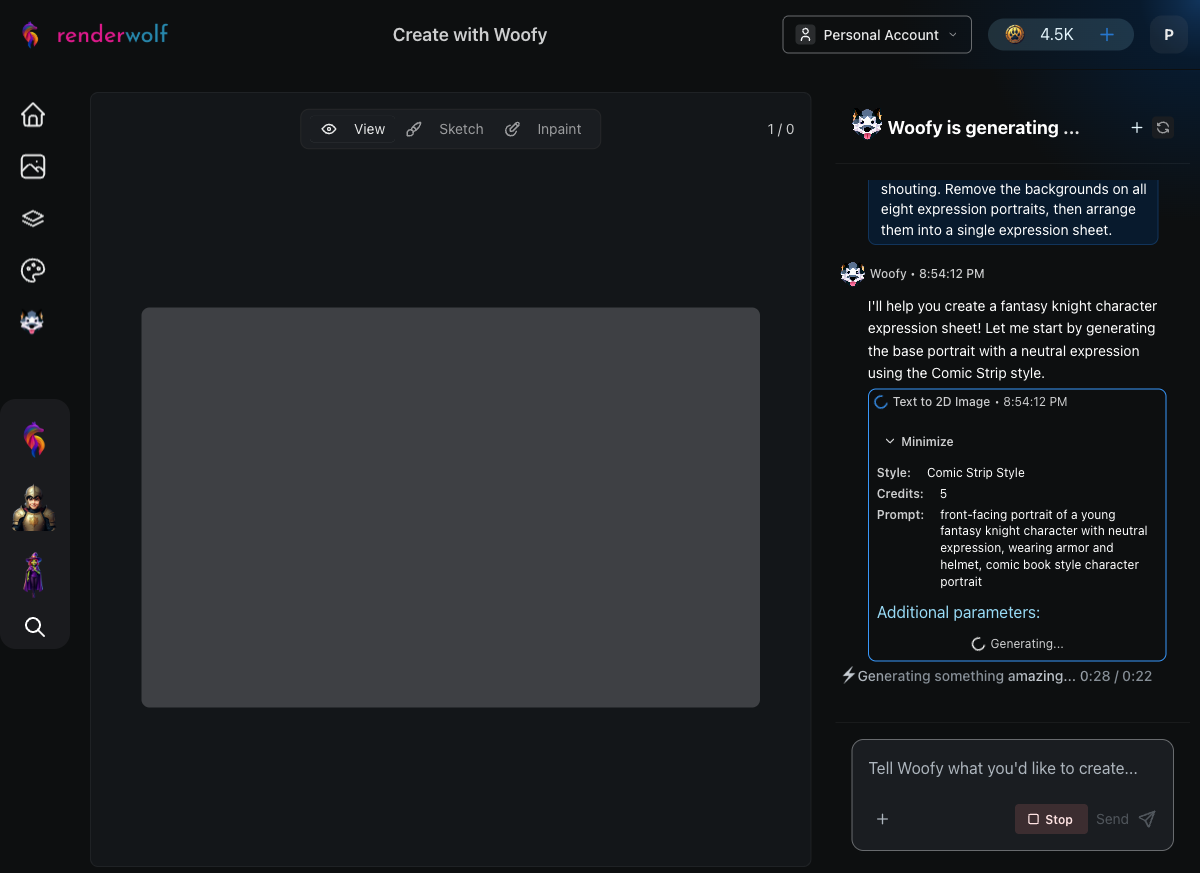
Woofy started by selecting her Text to 2D Image tool with the Comic Strip art style. Within 60 seconds, she generated a young fantasy knight in detailed steel armor, an open-face helmet, and a calm, neutral expression. This becomes the "ground truth," the base image that every subsequent expression needs to match.
The Comic Strip style delivered strong black outlines and cel-shading, which is exactly what you'd want for a game character that needs to read clearly at small sizes. After generating the base, Woofy ran an automatic quality evaluation to confirm the image matched the prompt before moving on.
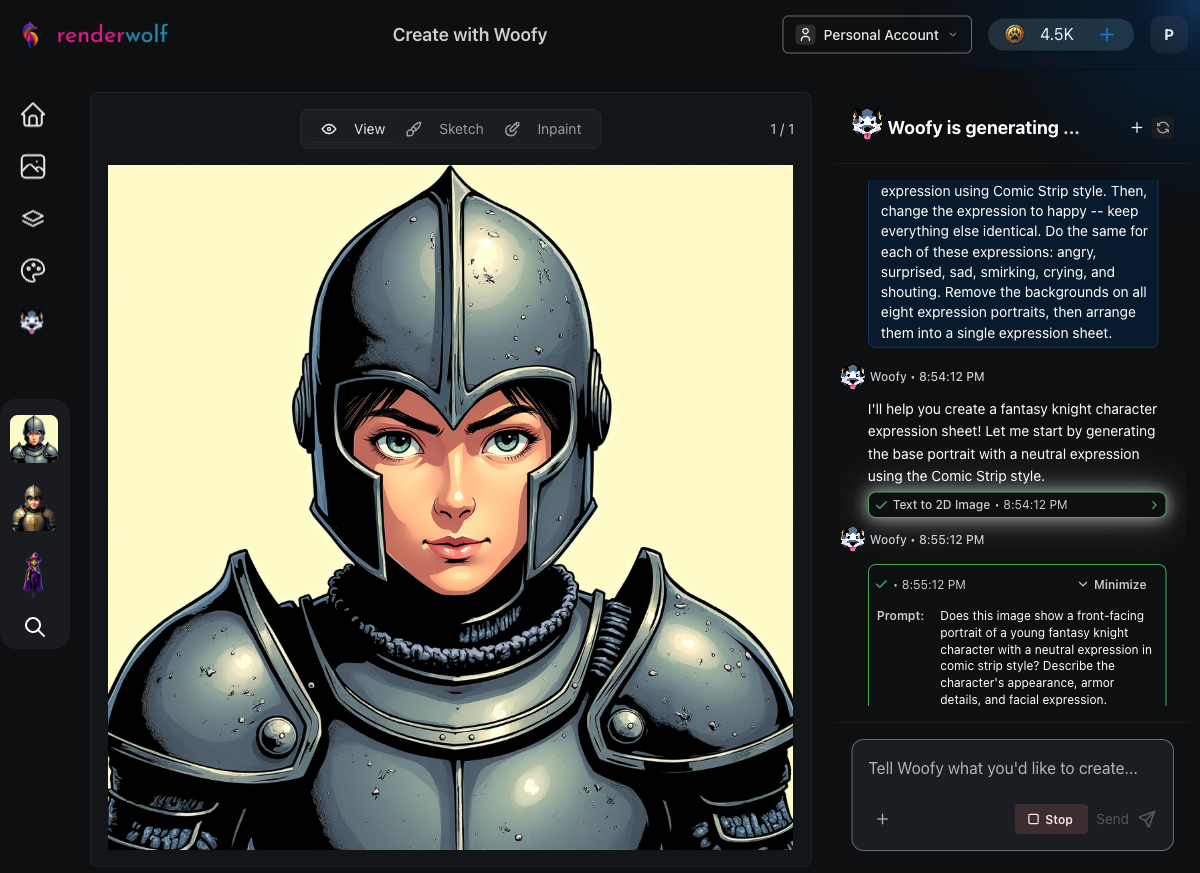
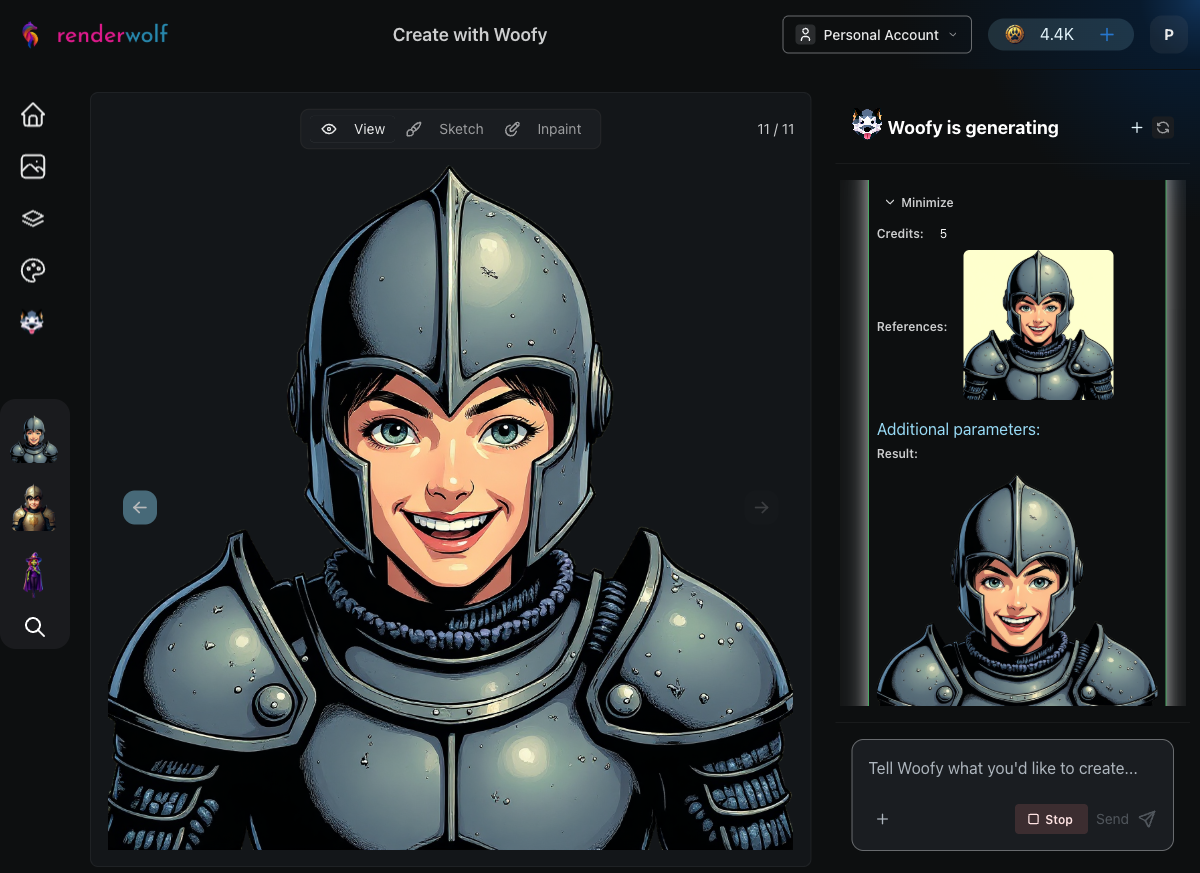
This is where Woofy's autonomy really shines. Without being told which tool to use, she selected Flux Kontext, a targeted image editor that modifies one specific element while preserving everything else pixel-identical.
For each expression, Woofy crafted a focused editing instruction like "change the facial expression to happy with a warm smile, keep everything else identical including the armor, helmet, pose, and background."
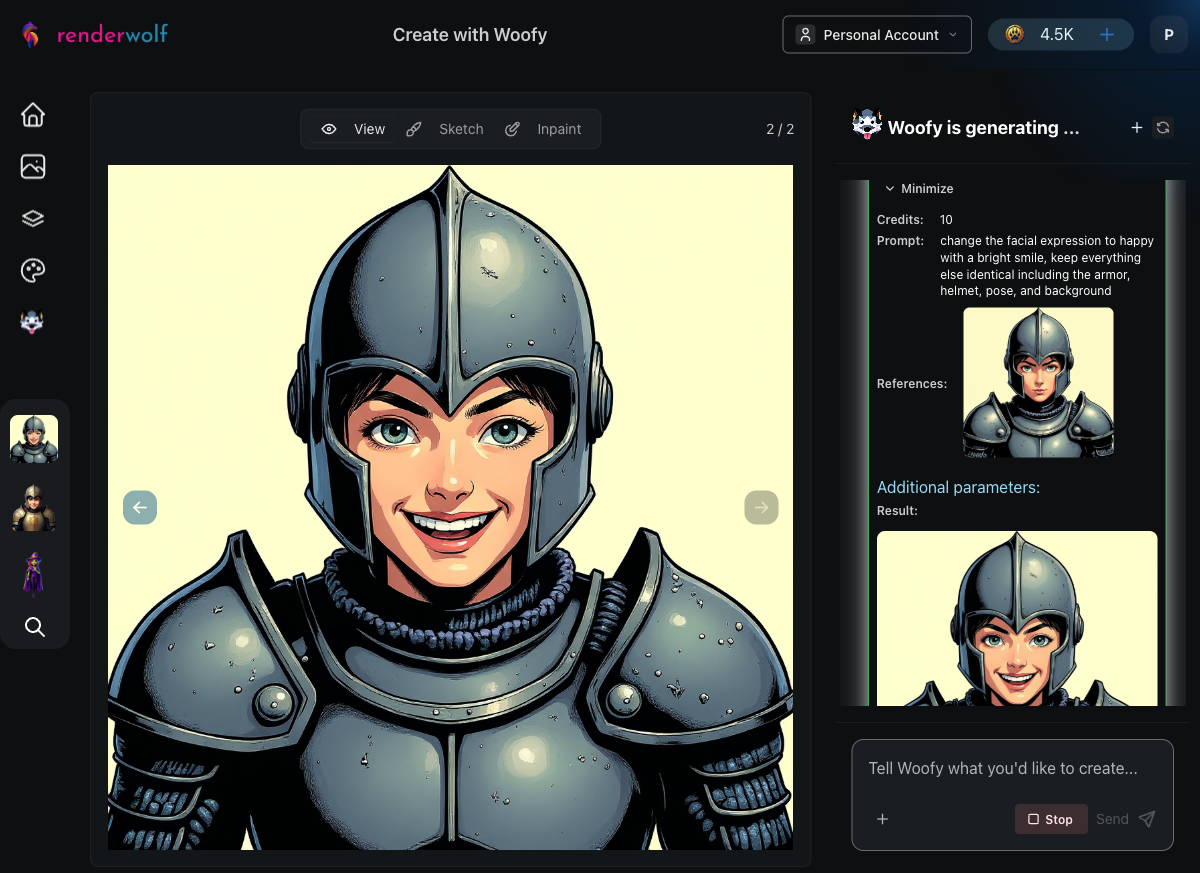
Each expression edit took roughly 30 seconds. Woofy worked through them systematically:
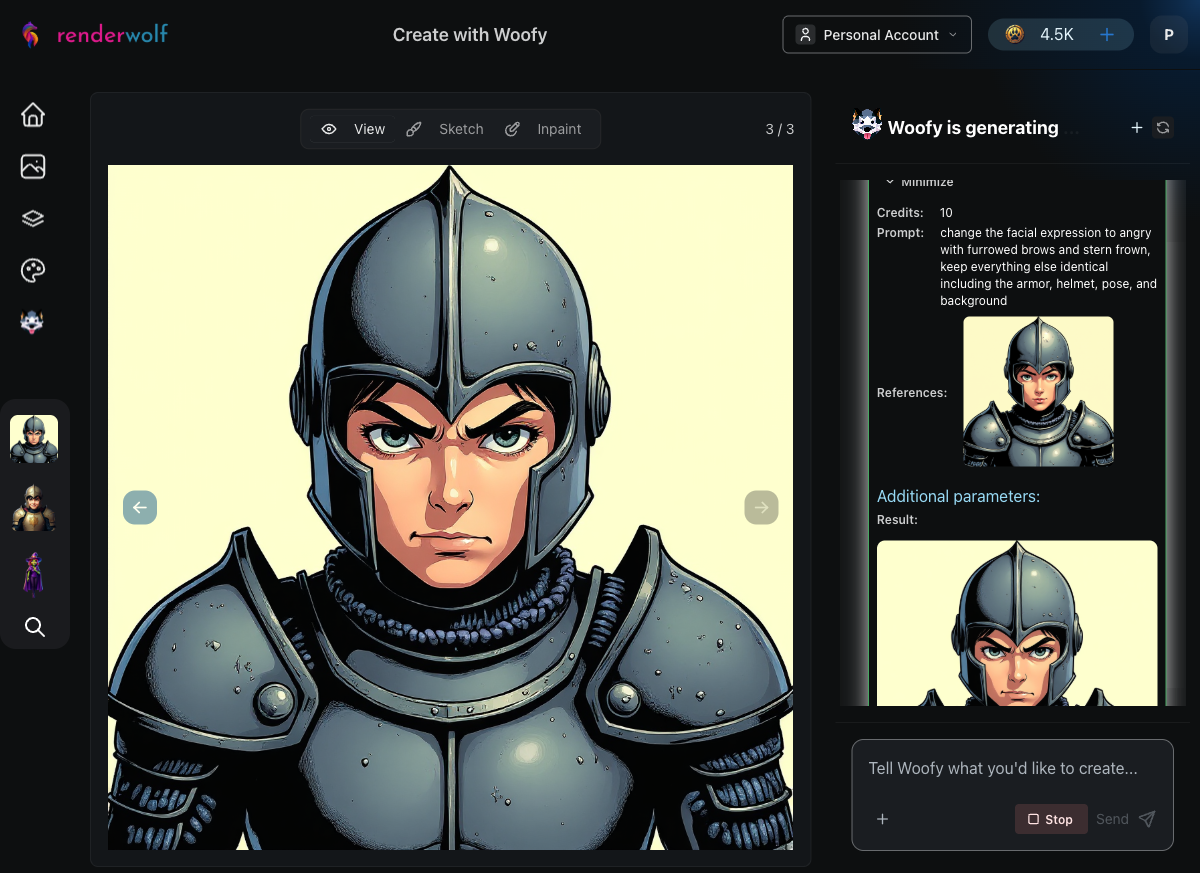
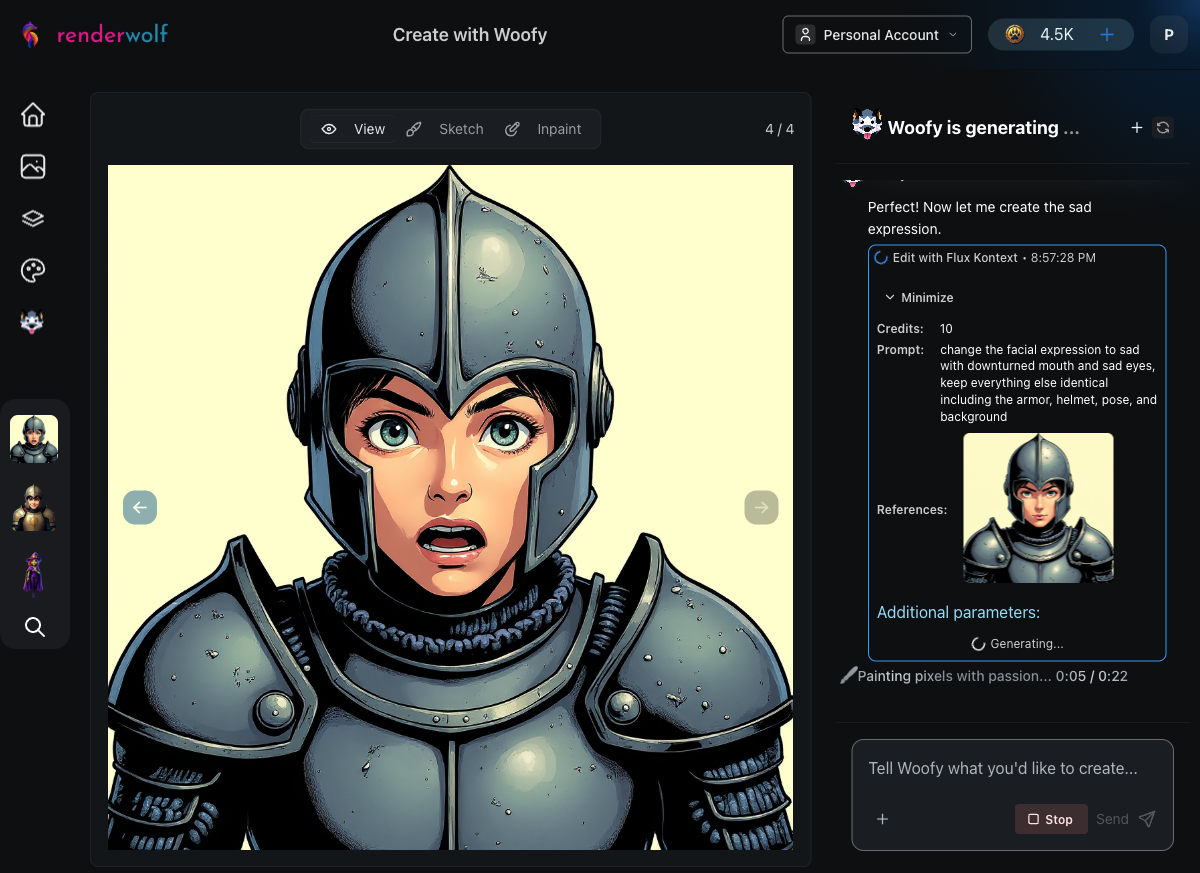
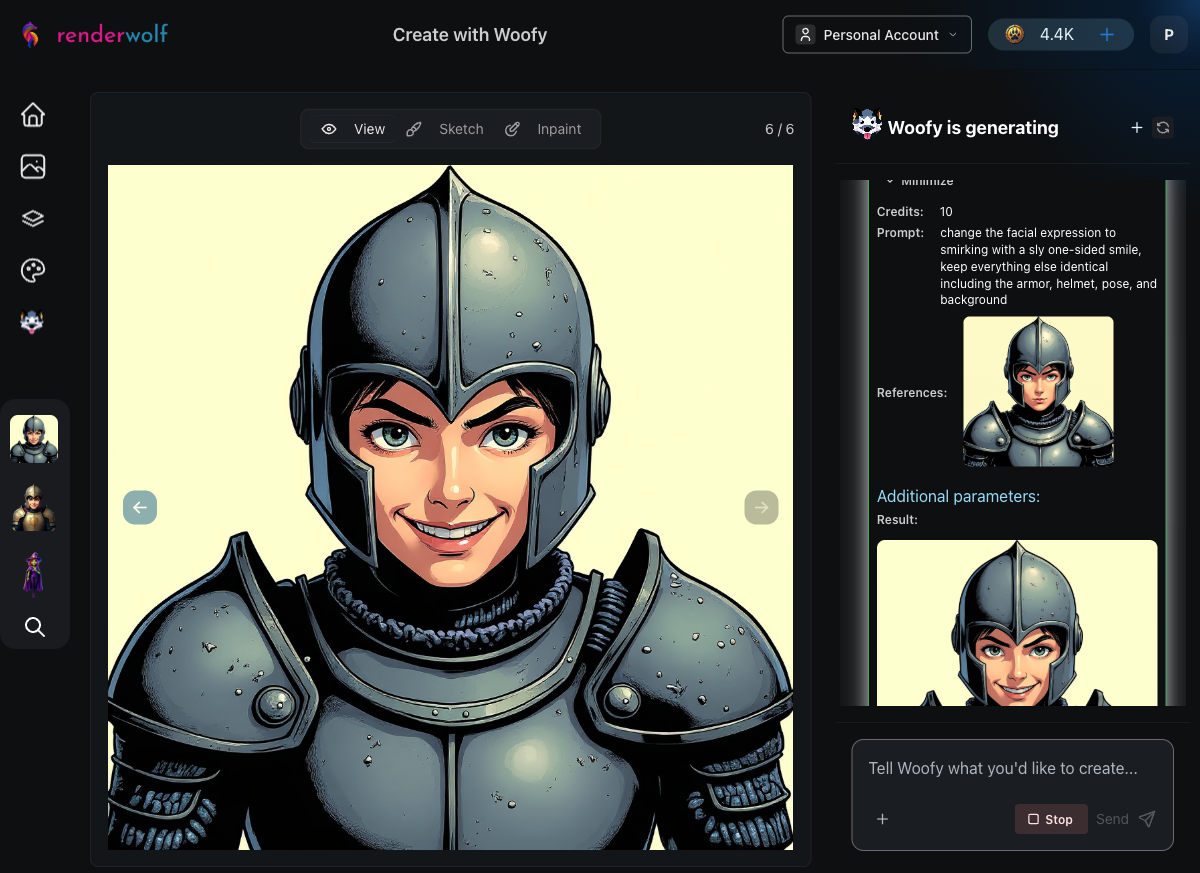
After each generation, Woofy automatically evaluated the result against the base portrait: "Does the image show the same knight character with only the facial expression changed?" Every check passed.
When the crying expression hit an issue with Flux Kontext, Woofy didn't just stop. After the user suggested an alternative, Woofy seamlessly switched to Nano Banana, a different image editing tool, and completed the remaining two expressions (crying and shouting) without skipping a beat.
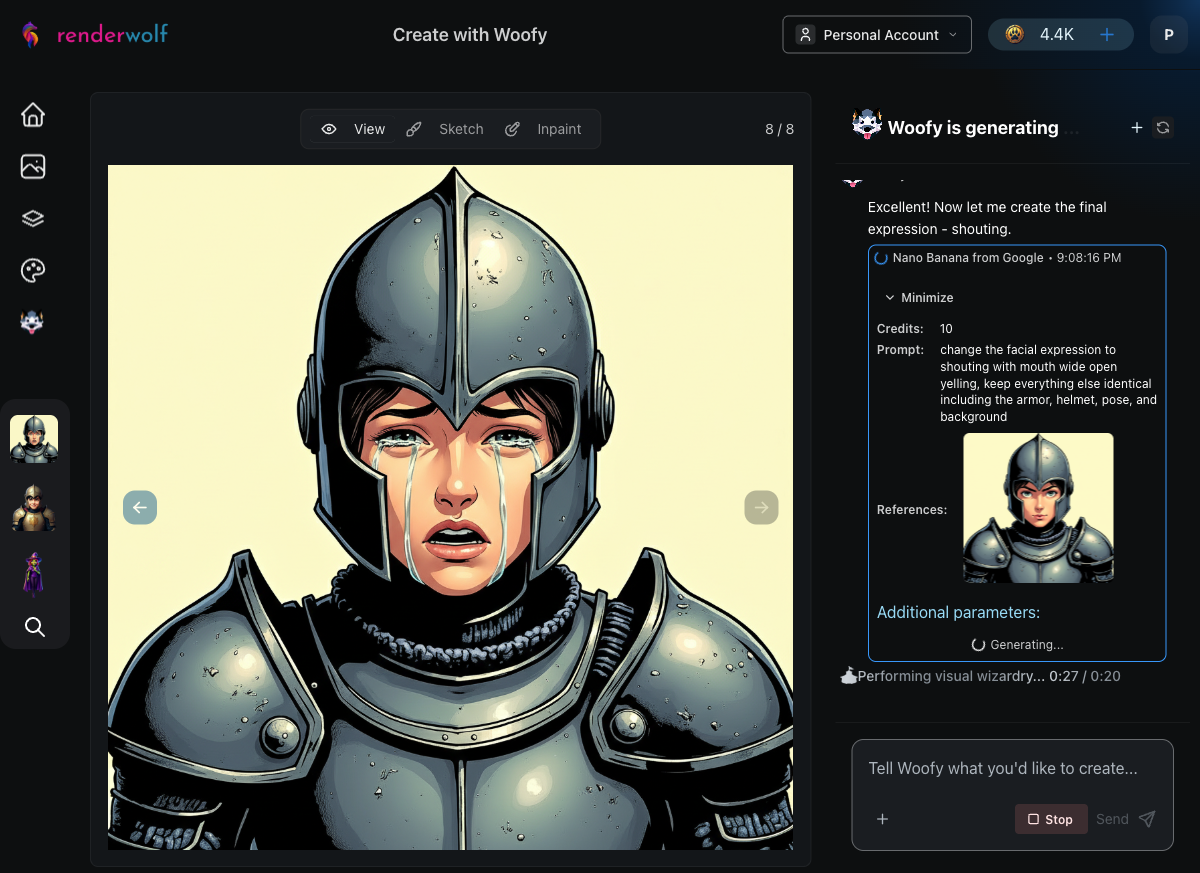
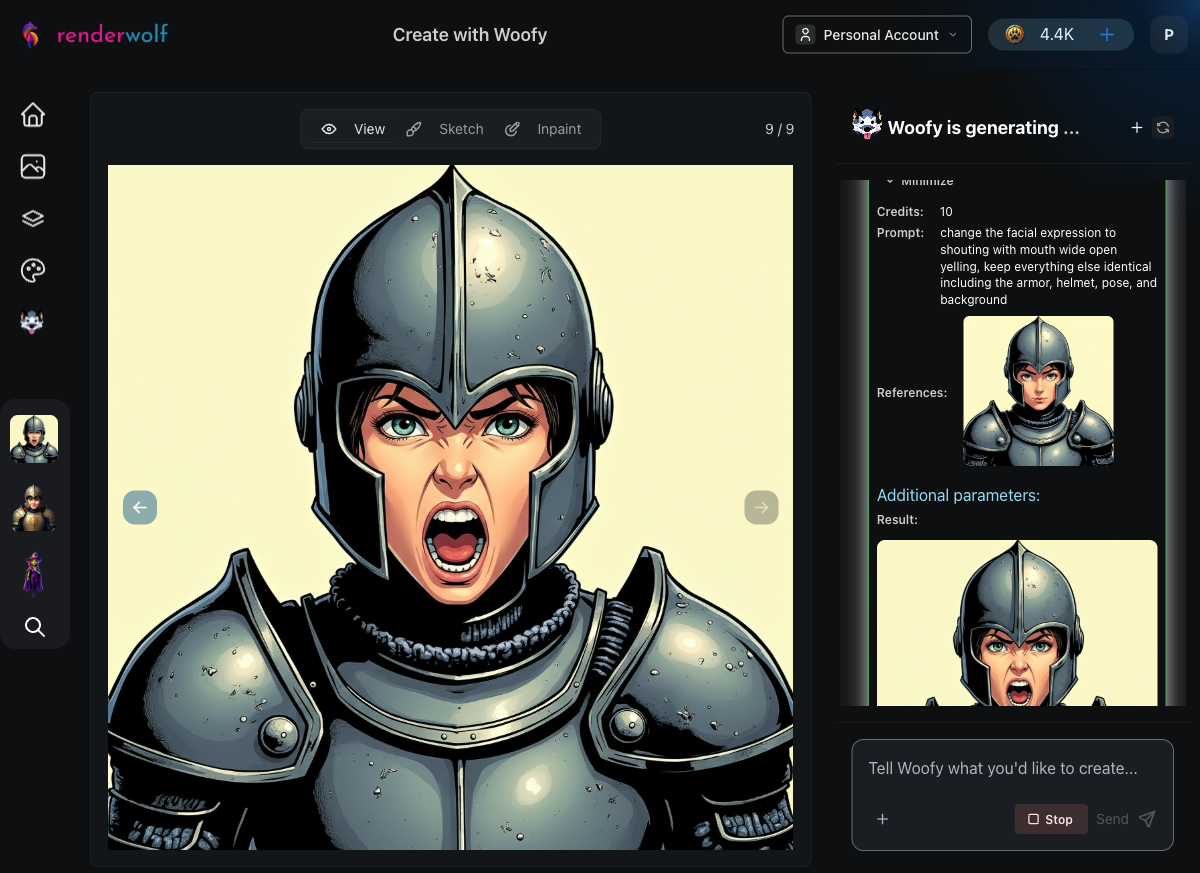
This is the real power of an AI agent compared to a rigid pipeline. Woofy adapts. When one tool has issues, she picks another that gets the job done. The final crying and shouting expressions maintained the same character consistency as the Flux Kontext-generated ones.
With all eight expressions complete, Woofy moved to the Background Remover, processing each portrait to create clean transparent cutouts. This is exactly what a game engine needs: isolated character art with alpha channels, ready to composite over dialogue boxes or UI panels.
Woofy processed all eight expressions through background removal, one after another, each taking about 20 seconds.
After a single conversation, Woofy produced:
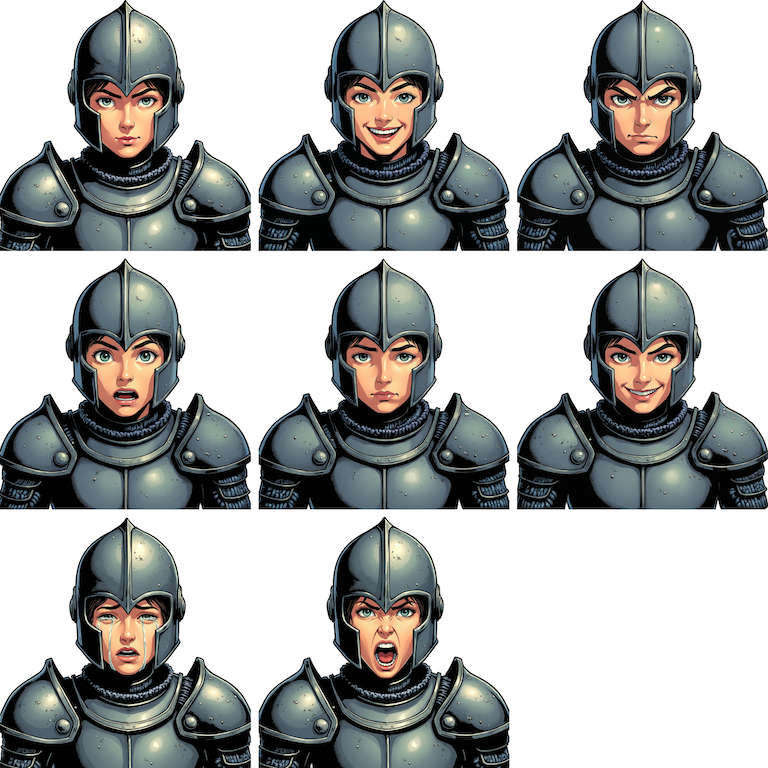
Compare that to the traditional approach: 4-6 hours of senior artist time per character. For a game with 10 characters, that's 40-60 hours of expression sheet work. Woofy handles it in under 3 hours total.
Woofy chooses the right tools. The prompt didn't mention Flux Kontext, Nano Banana, or Background Remover by name. Woofy analyzed the task, picked the appropriate tool for each step, and adapted when needed.
Quality checks are automatic. After generating each expression, Woofy ran an evaluation to verify character consistency before moving on. No manual review needed between steps.
The workflow mirrors how artists think. Start with a solid base, then modify one element at a time. It's the same process a human artist would follow, just dramatically faster.
It scales effortlessly. Need more expressions like determined, fearful, laughing, or disgusted? Just add them to the prompt. Each new expression is another 30-second edit, not another 30-minute drawing session.
Visit renderwolf and paste this prompt into a Woofy chat session:
"Create a front-facing portrait of a young fantasy knight character with a neutral expression using Comic Strip style. Then, change the expression to happy while keeping everything else identical. Do the same for each of these expressions: angry, surprised, sad, smirking, crying, and shouting. Remove the backgrounds on all eight expression portraits, then arrange them into a single expression sheet."
Swap "fantasy knight" for your own character description, pick your preferred art style, and watch Woofy build your expression sheet in real time.
Your artists have better things to do than redraw the same face eight times. Let Woofy handle the grind.